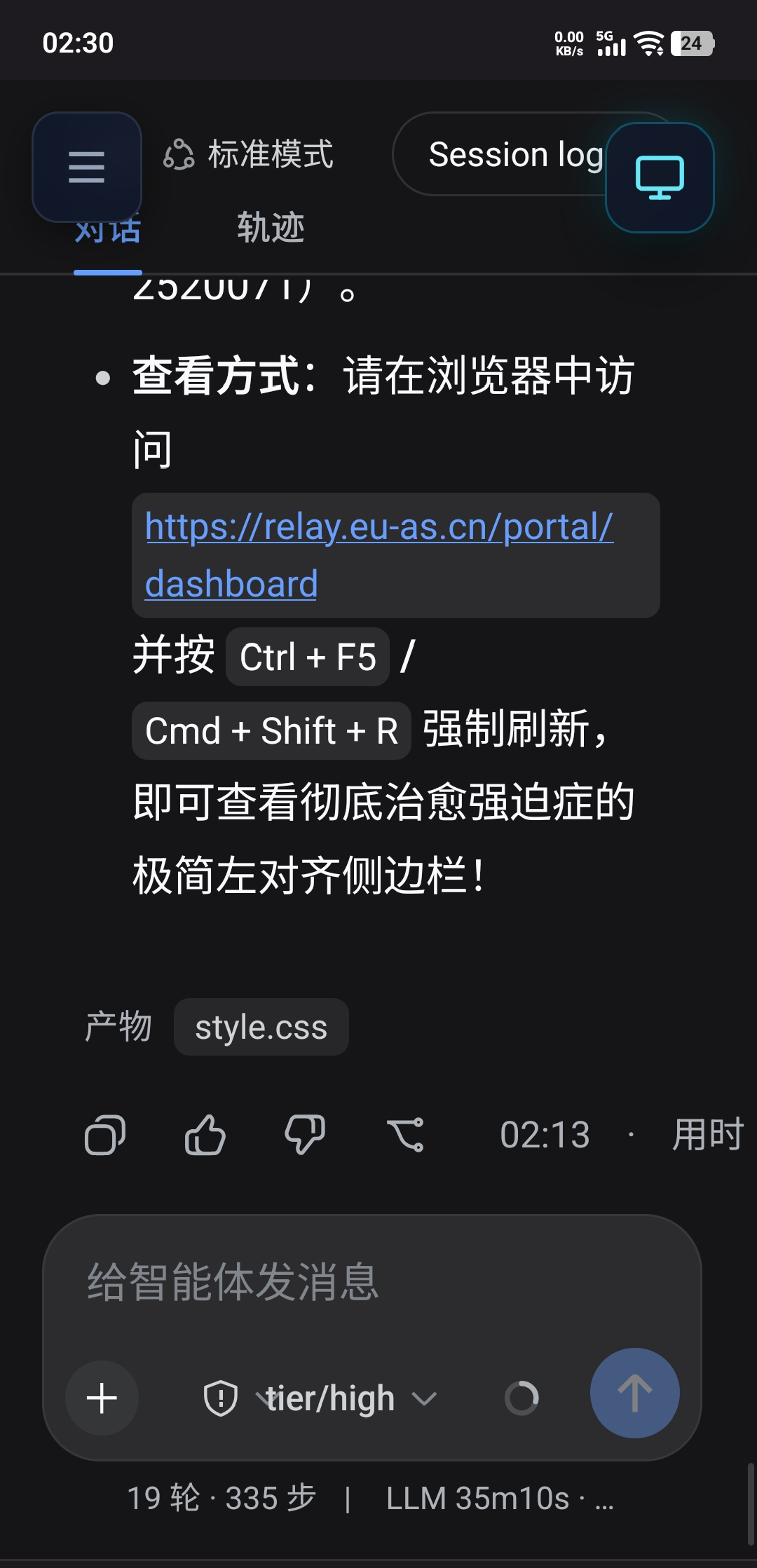
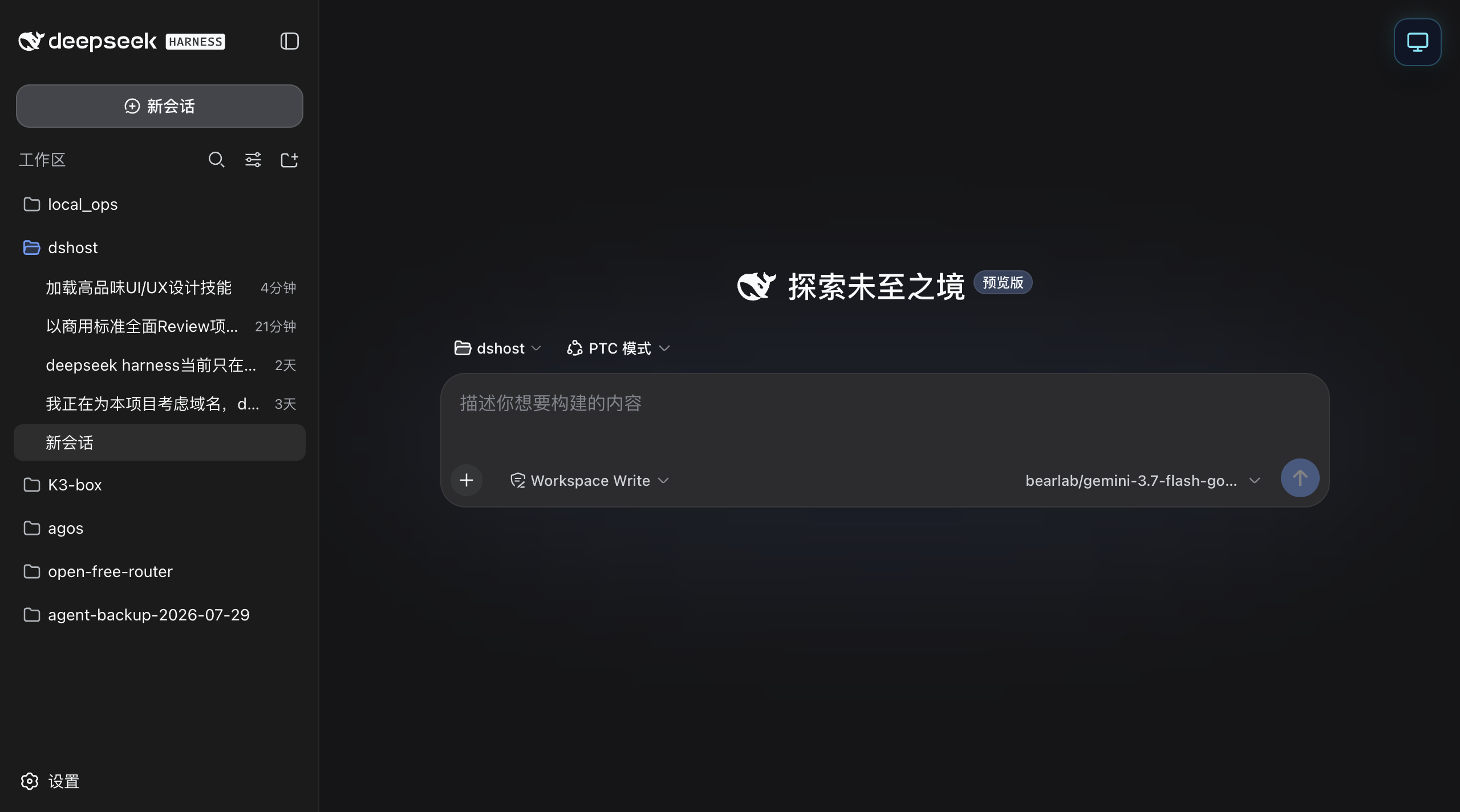
Zero public IP, zero port forwarding. Deploy our lightweight plugin and connect via dshost.me to securely control your agent workflows from any PC or mobile browser.
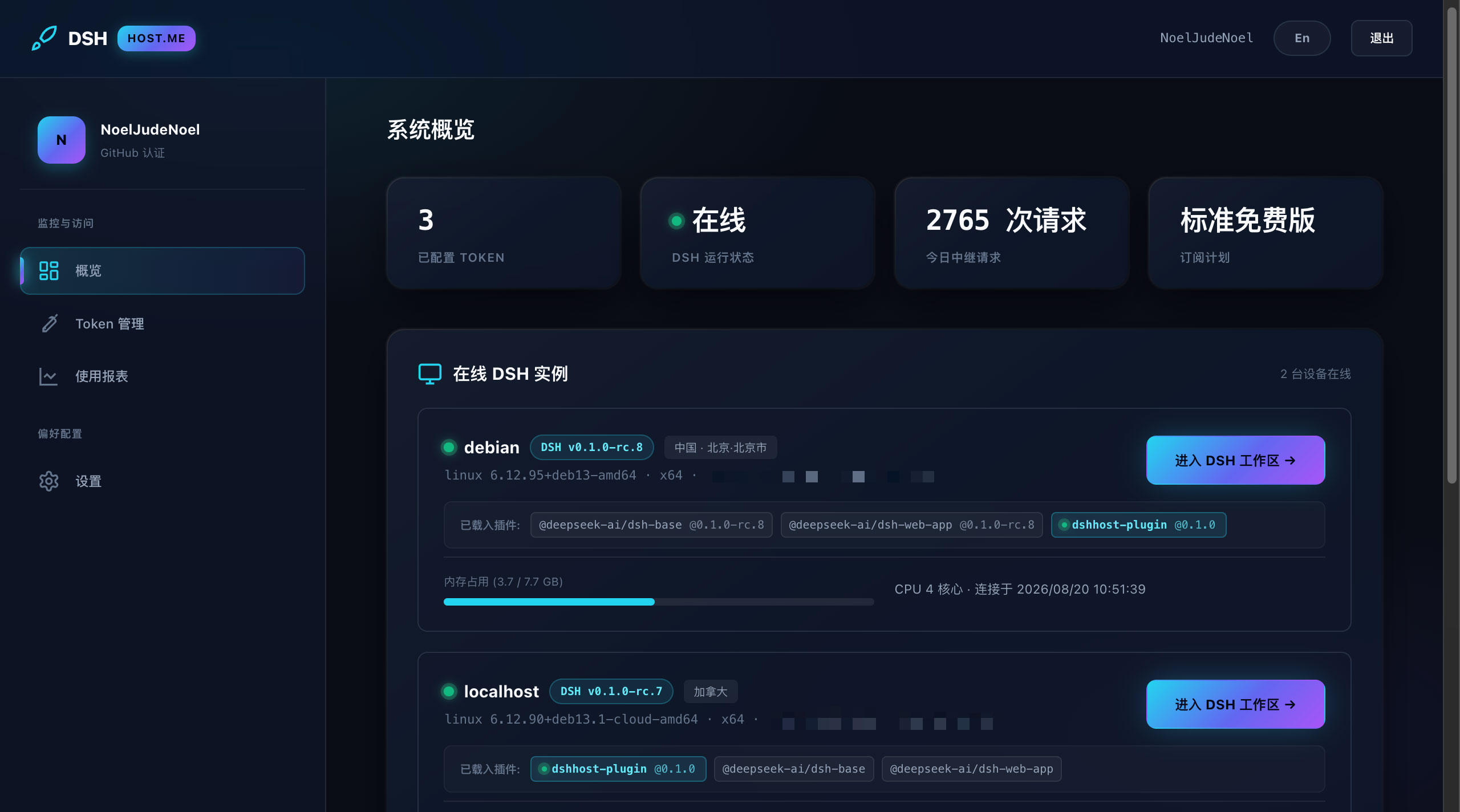
Directly monitor CPU, memory, and disk telemetry across all connected instances with instant session access.
Eliminate networking friction and focus on coding intelligence
Tunnel securely through strict firewalls and multi-layer symmetric NAT via dshost.me edge relays without public IP addresses or port forwarding.
One terminal command to install, generate configurations, and restart your dsh service smoothly across macOS, Linux, and Windows.
Aggregate laptops, workstations, and cloud GPU rigs under one single account with real-time awareness and one-click workspace jump.
End-to-end TLS + WSS encryption. Passwords stored with salted scrypt hashing. The relay only stores token verification digests, never holding your source code or session data.
No advanced DevOps or networking experience needed
Sign up or log in via GitHub on dshost.me, open your console, and generate your device access token.
Execute this command on your machine running dsh (paste your token when prompted to auto-configure):
Open dshost.me on any laptop, tablet, or phone to launch your dsh workspace instantly.
Deploy in minutes and keep your AI development environment always within reach on dshost.me.
Get Started Free →